efer sprite: pixel art editor 0.8.0 Mais recente
19 de ago de 2026 · Varia conforme o dispositivo

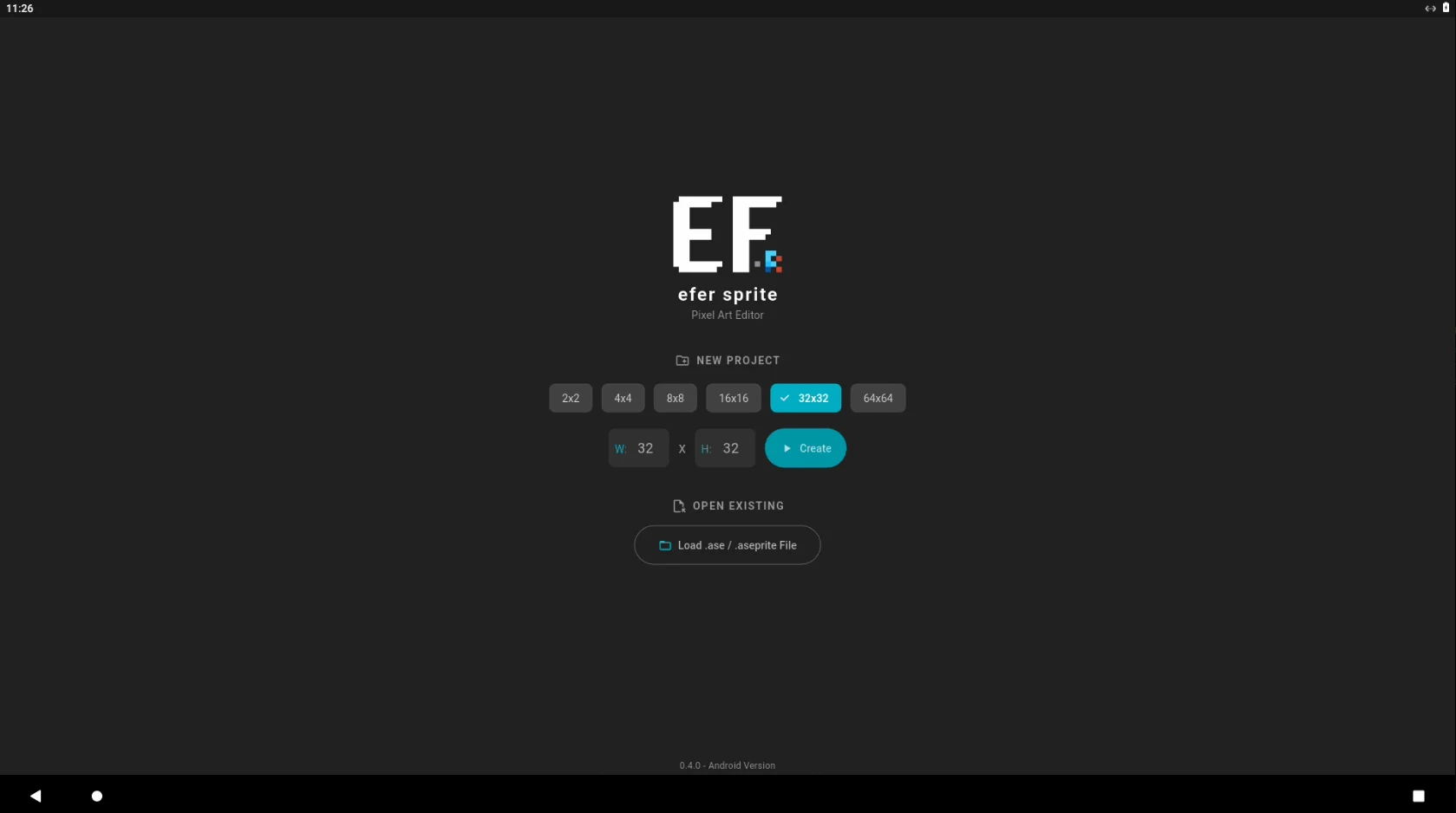
Pixel Art Editor for Android with .aseprite Compatibility.
Kiểm tra tương thích trên thiết bị của bạn
The app was identified on Google Play. Choose a format to download.
Nenhum pacote disponível para verificação.
PRÉVIA DO APLICATIVO
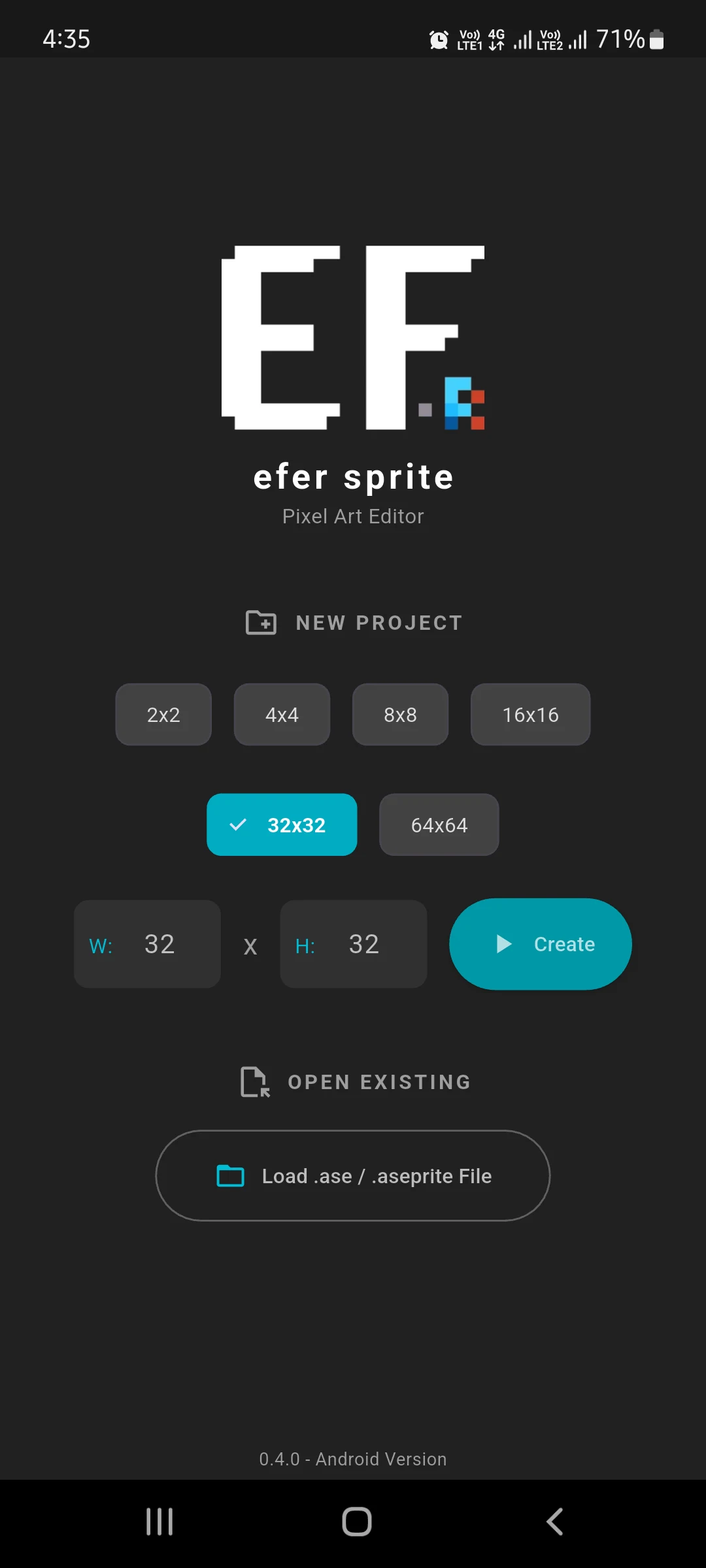
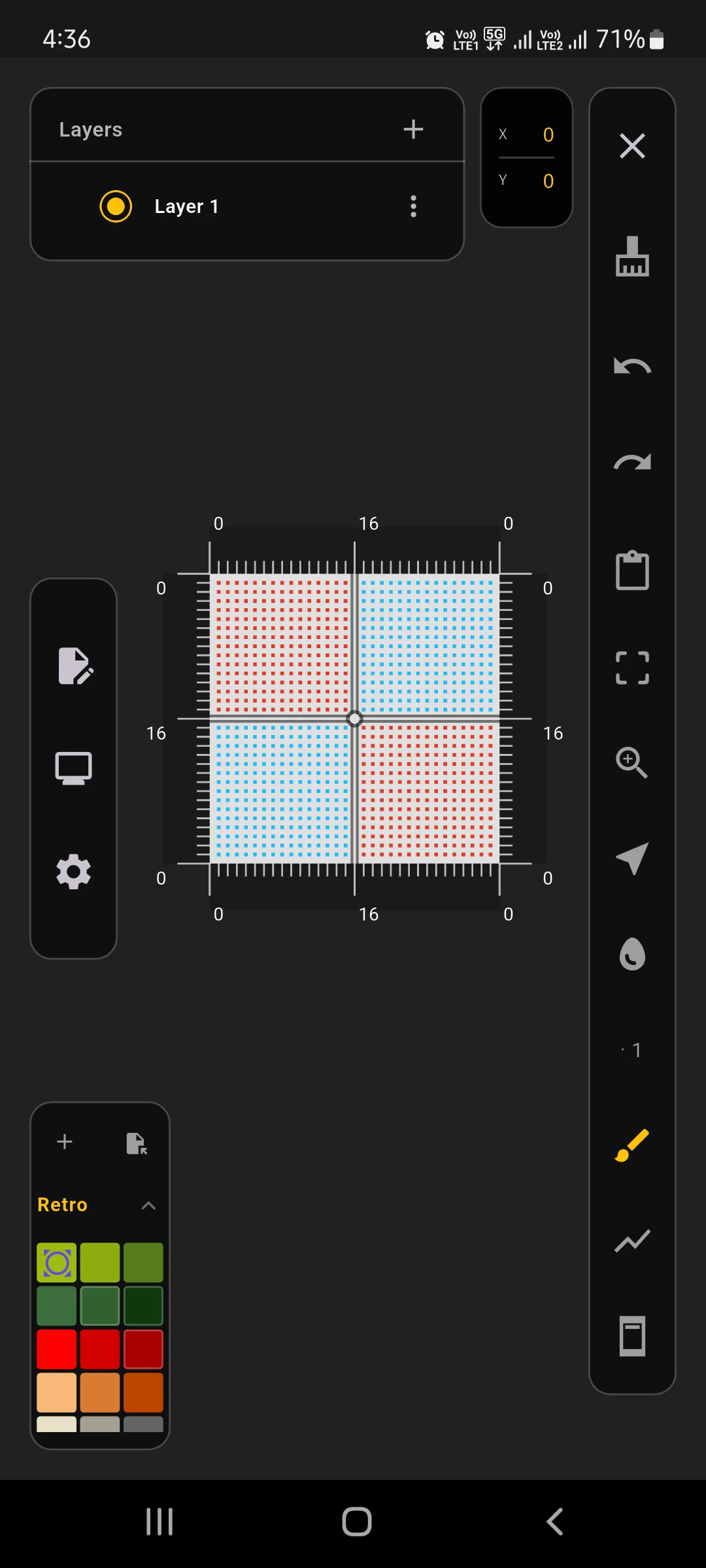
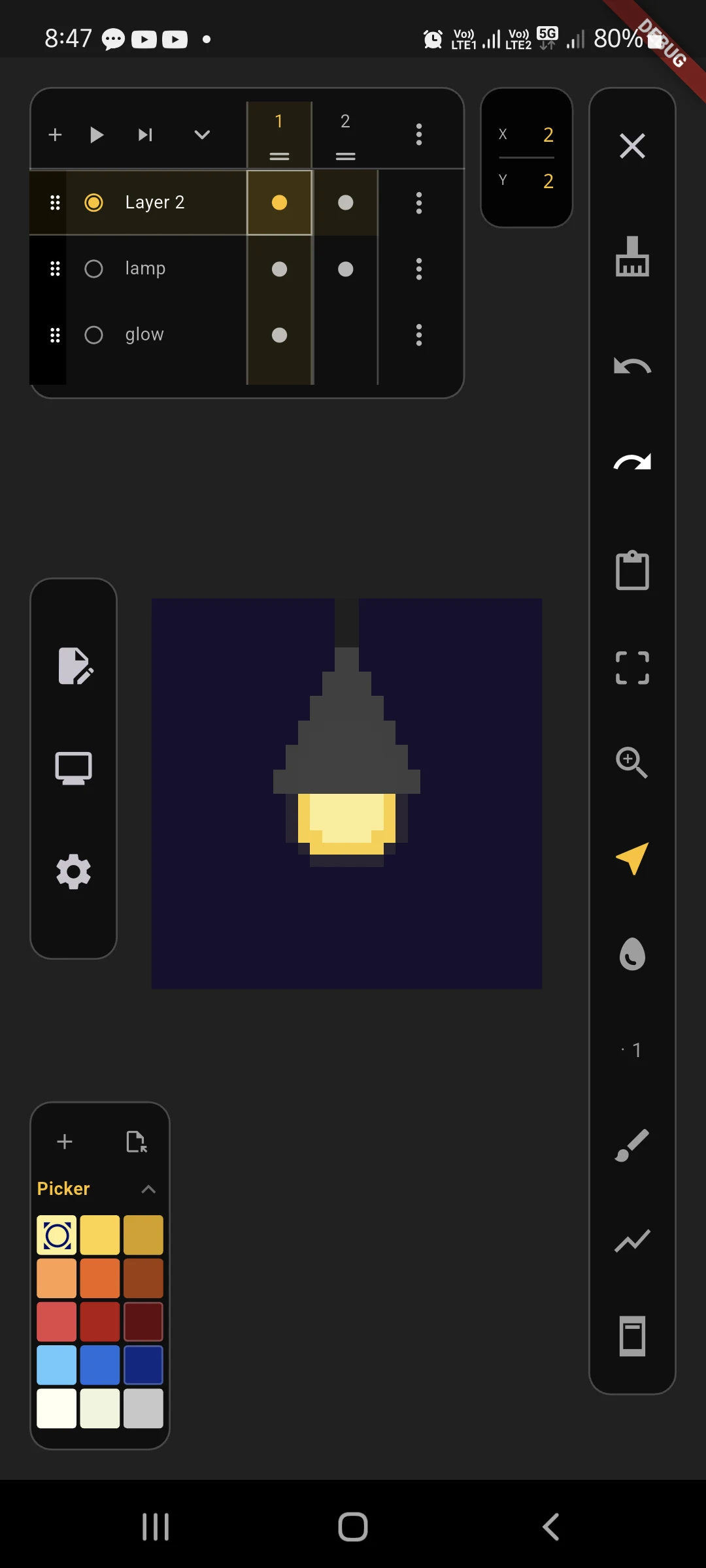
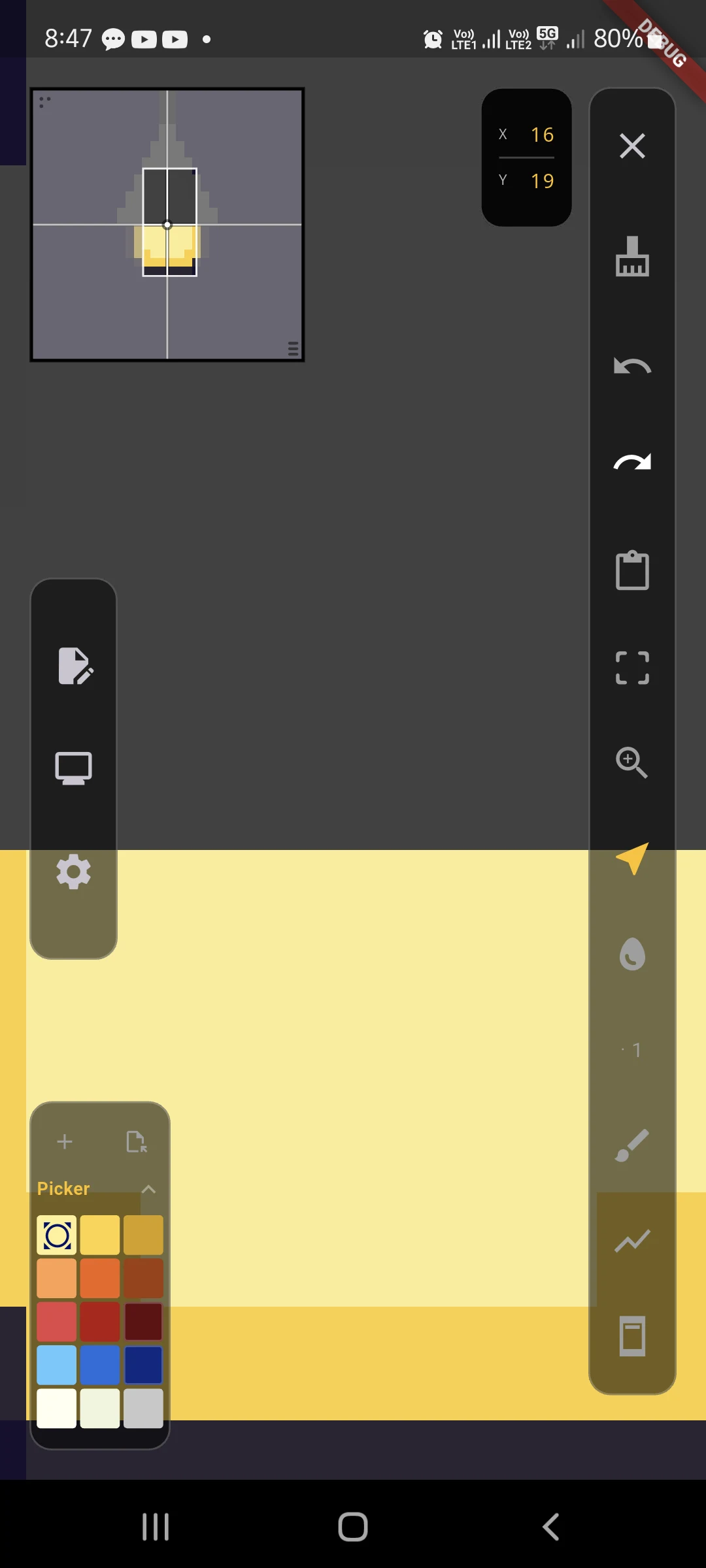
SOBRE ESTE APLICATIVO
A dedicated mobile pixel art editor for Android built to create, open, edit and save .aseprite projects right on your phone or tablet.
Current Features:
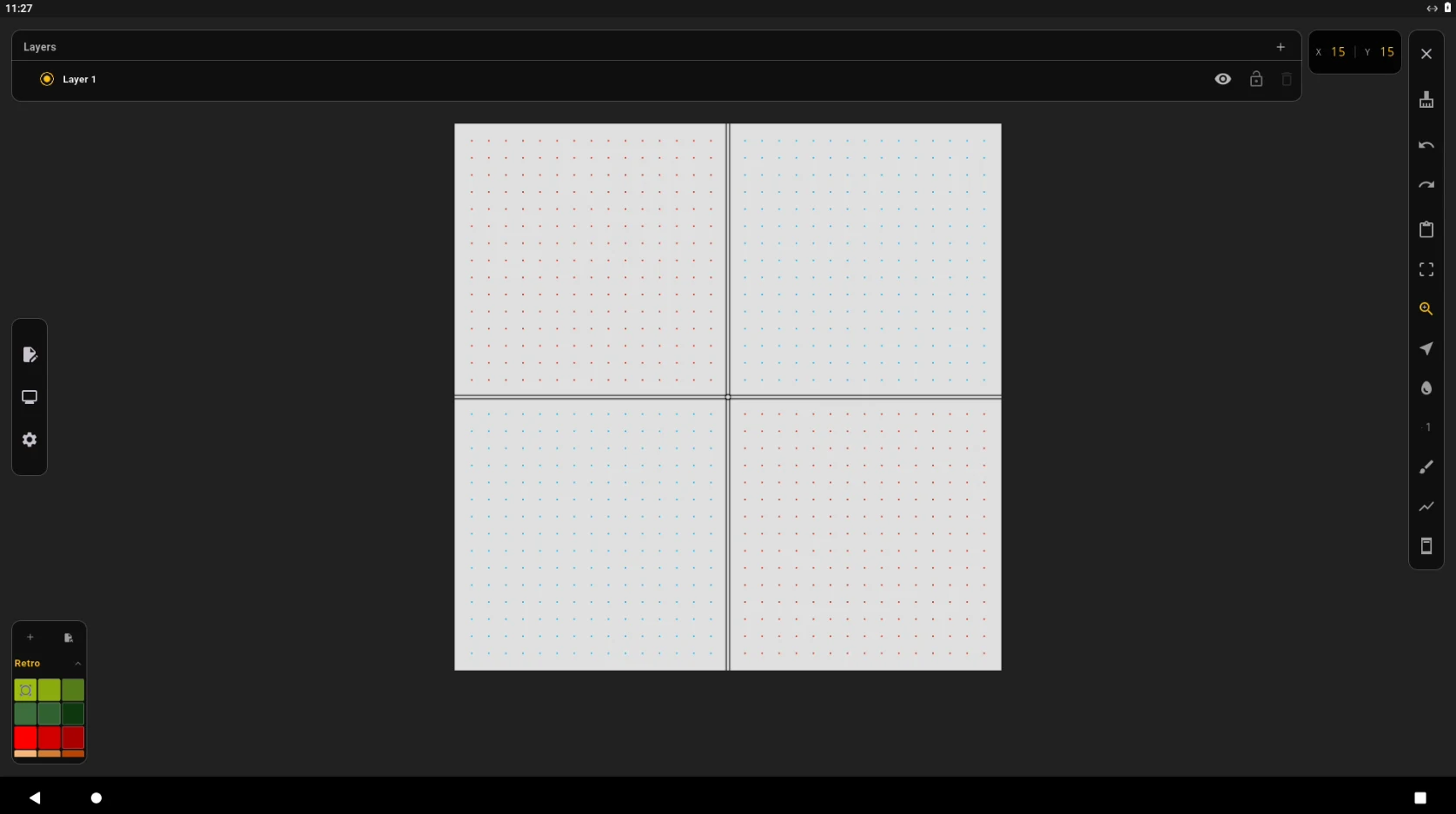
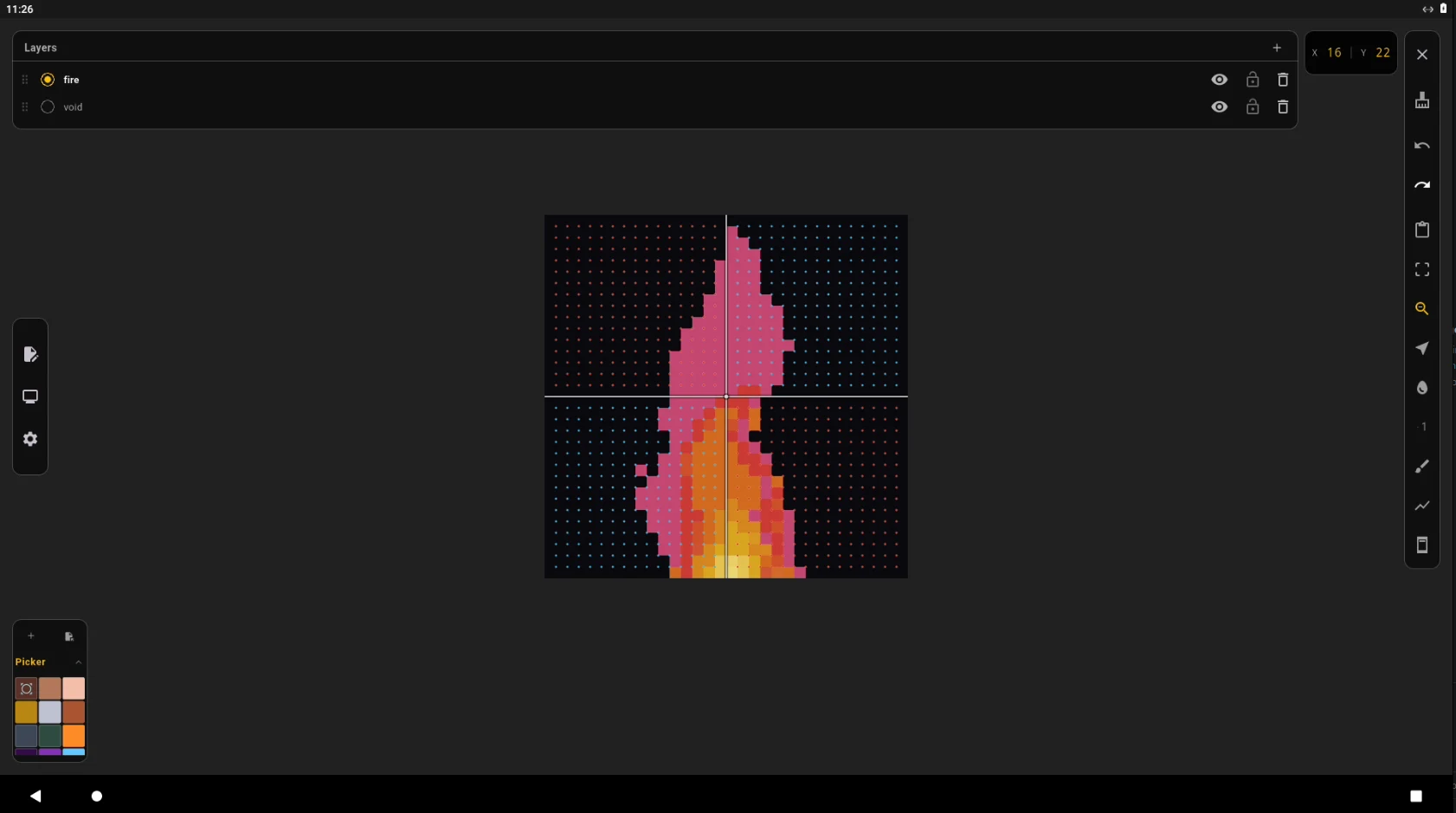
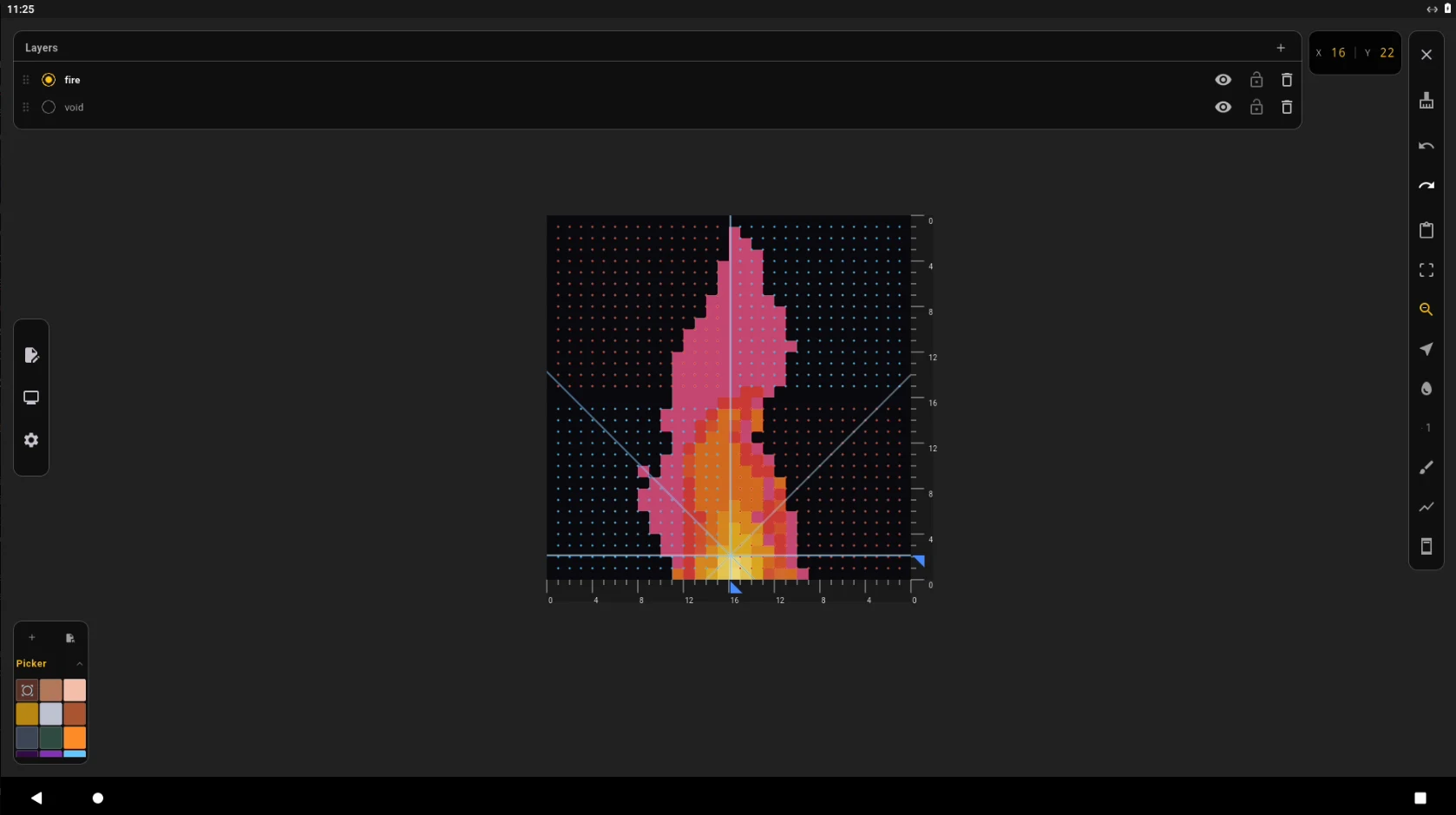
Drawing & Shapes: Pencil, eraser, basic shapes, a specialized triangle tool, and precision rulers. Now slightly more responsive with reduced input lag.
Multi-Frame & Animation: Create and manage animations with frame duration control, onion skinning for smooth motion tracking, and cellular control including adding, reordering, linking, and per-cel opacity.
Color Palette: Cleaned up for a more organized workflow, featuring an improved color picker, optional color mixing, and new thematic palettes (Fire, Metal, Common Alchemy). Now supports loading palettes directly from .aseprite files in addition to .hex.
Layers: Add, remove, and reorder layers as needed. Includes Alpha Blending for smoother per-layer opacity control, plus new blend modes added directly to layer properties.
Export Formats: Export your animations directly into high-quality, loopable GIF format for easy sharing and previewing, building upon existing support for static PNG and WebP exports.
Flood Fill: Fill connected areas quickly with color, now featuring its own independent toggle for 4-way or 8-way directional search to better fit your coloring workflow.
Magic Wand: A core wand tool for color-based area selection, featuring adjustable color tolerance and its own dedicated 8-way or 4-way search behavior setup.
Inner Selection: Just a simple complement to the wand tool, helping you select all pixels enclosed within a selected boundary.
Outer Selection: Another complement to the wand tool to select the exposed area outside a selected boundary, expanding up to the canvas edges.
Touch & Input: A specialized touch overlay and straightforward desktop keyboard shortcuts to help with your workflow.
Canvas Navigator: Upgraded from the basic canvas radar! You can now navigate your canvas by simply dragging the center part of the radar camera.
Last Project Cache: Attempts to cache your last session for quick access upon reopening. Inner Selection: Just a simple complement to the wand tool, helping you select all pixels enclosed within a selected boundary.
Text Tool: Basic text input support for when you just need to add quick notes or labels.
Anywhere Access: Save and open .aseprite projects to continue your work anywhere.
VERSÃO ANTERIOR
HISTÓRICO DE VERSÕES
| Especificação | Versão 0.6.1 | Versão 0.8.0 (Mais recente) |
|---|---|---|
| Nome do pacote | com.ingatkoding.efer_sprite | com.ingatkoding.efer_sprite |
| Versão | 0.6.1 | 0.8.0 |
| Atualizado | Data de lançamento indisponível | 19 de ago de 2026 |
| Tamanho | 33.69 MB | 29.59 MB |
| Requer Android | Varia conforme o dispositivo | Varia conforme o dispositivo |
| Arquitetura | Desconhecida | arm64-v8a |
| Assinatura | Desconhecido | Desconhecido |
| Licença do app Google Play | Desconhecido | Desconhecido |
HISTÓRICO DE VERSÕES
19 de ago de 2026 · Varia conforme o dispositivo
DETALHES DO PACOTE
AVALIAÇÃO DA COMUNIDADE
Entrar Entre para adicionar uma avaliação verificada.
KHÁM PHÁ RIÊNG CHO BẠN
Đang nhận diện Android và ABI từ trình duyệt…
Xu hướng theo khu vực đã chọn.
Lọc theo Android và ABI mà trình duyệt cung cấp.
Dựa trên app và danh mục bạn vừa xem.
Những app bạn từng xem đã có bản mới hơn.
Descobrir
Aplicativos · Arte e design

Aplicativos · Arte e design

Aplicativos · Arte e design

Aplicativos · Art & Design
Aplicativos · Art & Design

Aplicativos · Art & Design

Aplicativos · Art & Design

Aplicativos · Art & Design